Microsoft’s Copilot Key: A New Way to Launch Apps on Windows 11
Microsoft’s Copilot Key: A New Way to Launch Apps on Windows 11
This new feature will soon be available for Windows 11 users
 |
|
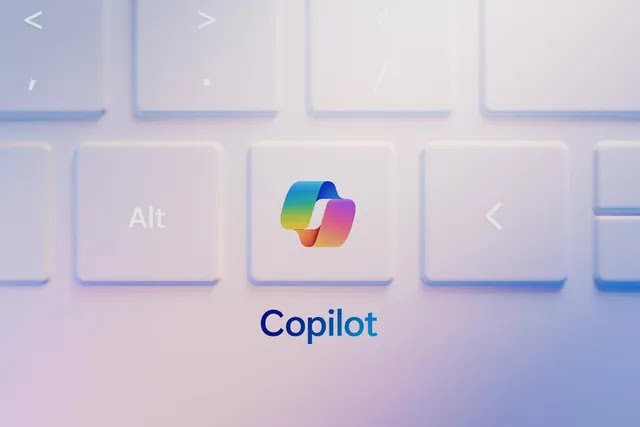
Microsoft has taken a significant
step towards enhancing your experience on Windows 11 with the introduction of
the Copilot key. This innovative feature, first seen on new laptops and keyboards, offers a convenient and efficient way to access and launch
applications.
Customization
at Your Fingertips
While
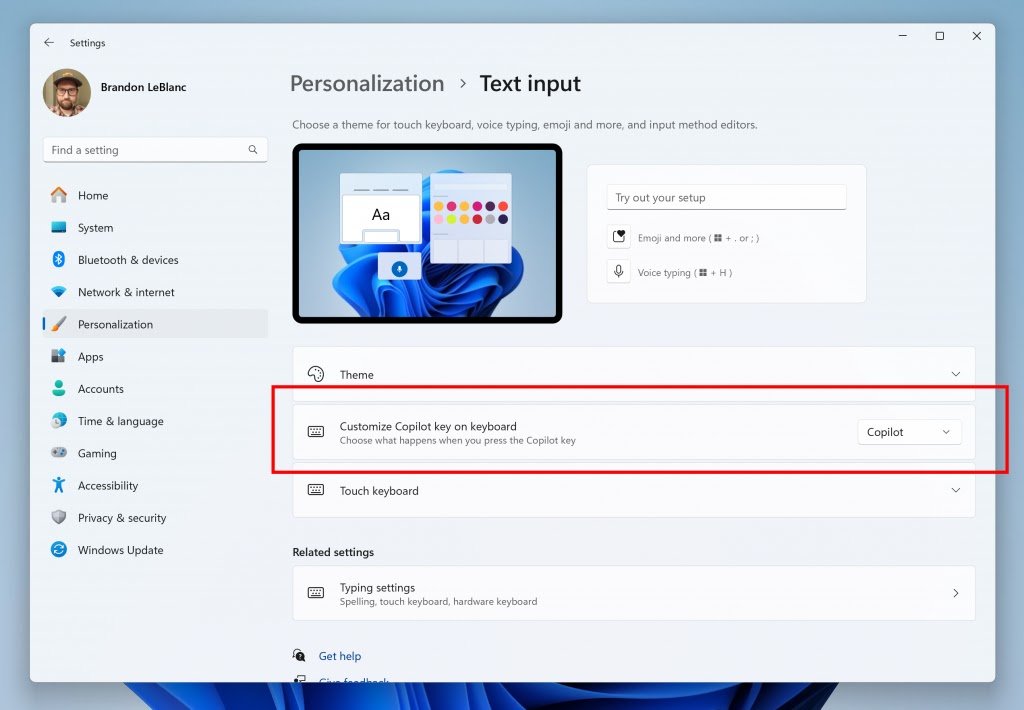
initially designed to launch Microsoft’s Copilot app, the company has now unveiled plans in its latest blog post, to allow you to personalize the
Copilot key’s functionality. In a recent beta update ( Windows 11 Insider Preview Build 22635.4225 (KB5043186) to the Beta Channel), Windows 11 users can now customize the key to launch any
MSIX-packaged and signed app. This ensures that the apps you choose to access with a
simple keystroke meet stringent security and privacy standards.
 |
|
A
Leap Forward in Keyboard Technology
The
Copilot key marks a groundbreaking advancement in keyboard design, marking the first major innovation in Windows keyboards in three
decades. This feature aligns with Microsoft’s broader strategy to
promote its AI assistant, Copilot, and encourage you to explore its capabilities.
The
Evolution of Copilot
While
the Copilot key has been a welcome addition, Microsoft’s approach to Copilot has faced some challenges. The company’s decision to transition Copilot into a web app in the
24H2 update to Windows 11 has led to some limitations. The web app version no longer integrates seamlessly with Windows 11
settings, reducing its versatility.
Looking
Ahead
As
the Copilot key customization feature becomes available to a wider audience in
the coming months, it’s exciting to anticipate how you will leverage this new
tool to streamline your workflow. Microsoft’s commitment to enhancing user experience and
embracing AI-powered solutions positions the Copilot key as a pivotal feature
in the future of Windows.