Microsoft 365 Just Got Free for College Students: Here’s How to Get Your 12-Month Subscription
Microsoft 365 Just Got Free for College Students: Here’s How to Get Your 12-Month Subscription
Free Microsoft 365 Personal for U.S. College Students is Here.
 |
| Image: Microsoft |
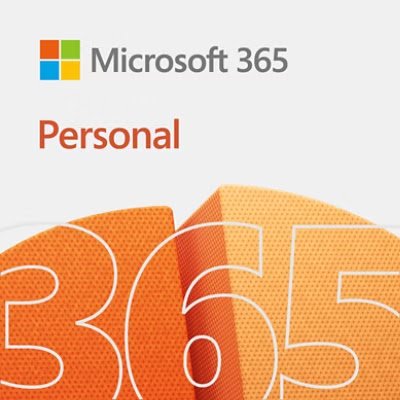
Microsoft has a fantastic gift for U.S. college students: a free 12-month subscription to Microsoft 365 Personal. This valuable offer isn’t just for the classic productivity apps; it also includes the powerful Copilot AI Assistant and 1TB of secure OneDrive cloud storage. This new offer is exclusively for students with a personal Microsoft account, not those who already have an educational version.
Why is Microsoft Offering This?
The tech giant, Microsoft, announced this generous free Microsoft 365 offer as part of the White House AI Education meeting. Microsoft CEO Satya Nadella explained that this commitment is a major step toward supporting the Presidential AI Challenge and the new Education Executive Order. This initiative, therefore, directly benefits students by providing them with essential, state-of-the-art tools for their academic journey. It’s a fantastic initiative that makes top-tier software more accessible.
A common question for many students is what happens after the initial free year. The good news is that Microsoft has a plan for that, too! Students who take advantage of this free Microsoft 365 Personal subscription will be offered a 50% discount to continue their subscription. Currently, the Microsoft 365 Personal plan costs $9.99 a month or $99.99 a year. This generous discount makes it much more affordable for students to keep using the software and cloud services they rely on.
How to Get Your Free Subscription
Claiming your subscription is easy. Just visit the official Microsoft subscription website, enter your college or university email address for verification, and follow the simple sign-up process. Once verified, you can activate your 12-month free subscription, which includes 1TB of OneDrive cloud storage and all the premium apps like Word, Excel, and PowerPoint. This is a must-grab offer that every student should consider.