Meta Quest software update causing widespread device failures
Meta Quest software update causing widespread device failures
The parent company Meta confirms they are working to resolve the software update issue.
 |
|
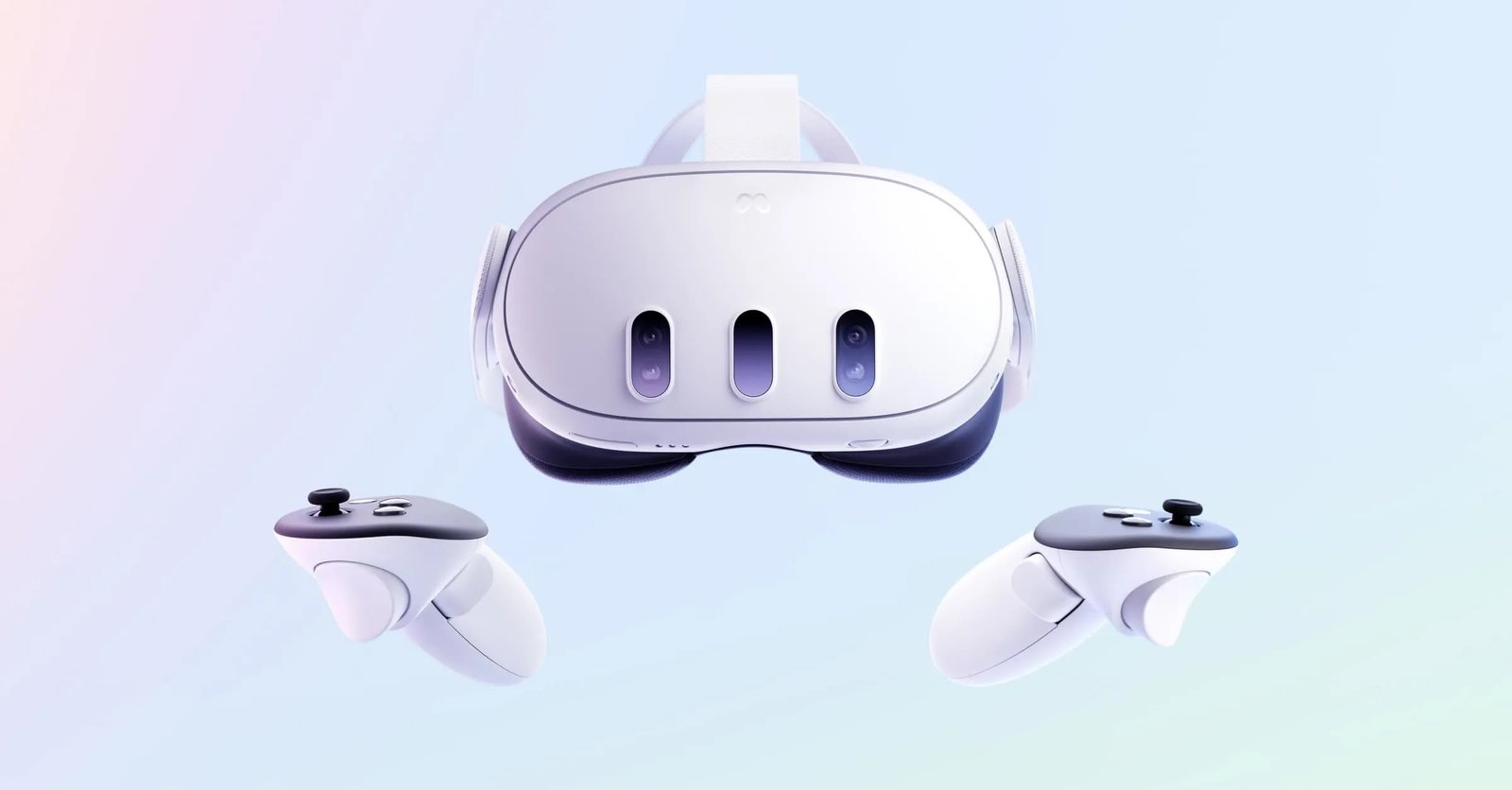
Many Meta Quest users, including Quest 2, 3, and 3S owners,
experienced a recent software update nightmare that left their headsets
unresponsive. But fear not, VR adventurers! Meta has acknowledged the issue and
is actively working on a resolution.
What Happened?
A faulty software update caused some Meta Quest headsets to
become unresponsive and unable to boot up properly. This left many users
frustrated, especially those who received the update message upon pulling out
their headsets for a long-awaited VR session.
The Good News
Meta has stepped up and confirmed they’re working on a fix
for all users. In most cases, your Meta Quest should now function normally. If
you’re one of the unlucky few still facing issues, fret not! Here’s how to get
your VR world back on track:
- Check
the Meta Quest Support Site: Meta has updated their support site with
valuable information and troubleshooting steps. Head over to Quest 3S support for the latest updates and solutions. - Contact
Meta Support: If the information on the support site doesn’t resolve
your issue, reach out to Meta support directly. They’ll be happy to assist
you and get your headset back in action.
Here are some additional tips:
- Keep
Your Headset Updated: While this recent update caused problems,
keeping your Meta Quest software up-to-date is generally recommended.
Updates often include bug fixes, performance improvements, and new
features. - Restart
Your Headset: Sometimes, a simple restart can work wonders. If your
headset seems sluggish or unresponsive, try powering it down completely
and restarting it. - Factory
Reset (Last Resort): If all else fails, a factory reset might be
necessary. This will erase all your data and settings, so be sure to back
up anything important before proceeding.
The Takeaway
While the recent Meta Quest software update caused headaches
for some users, Meta is actively working on a solution. By following the tips
above, you should be able to get your VR headset back up and running in no
time. So, grab your controllers, step back into your virtual world, and keep
adventuring!