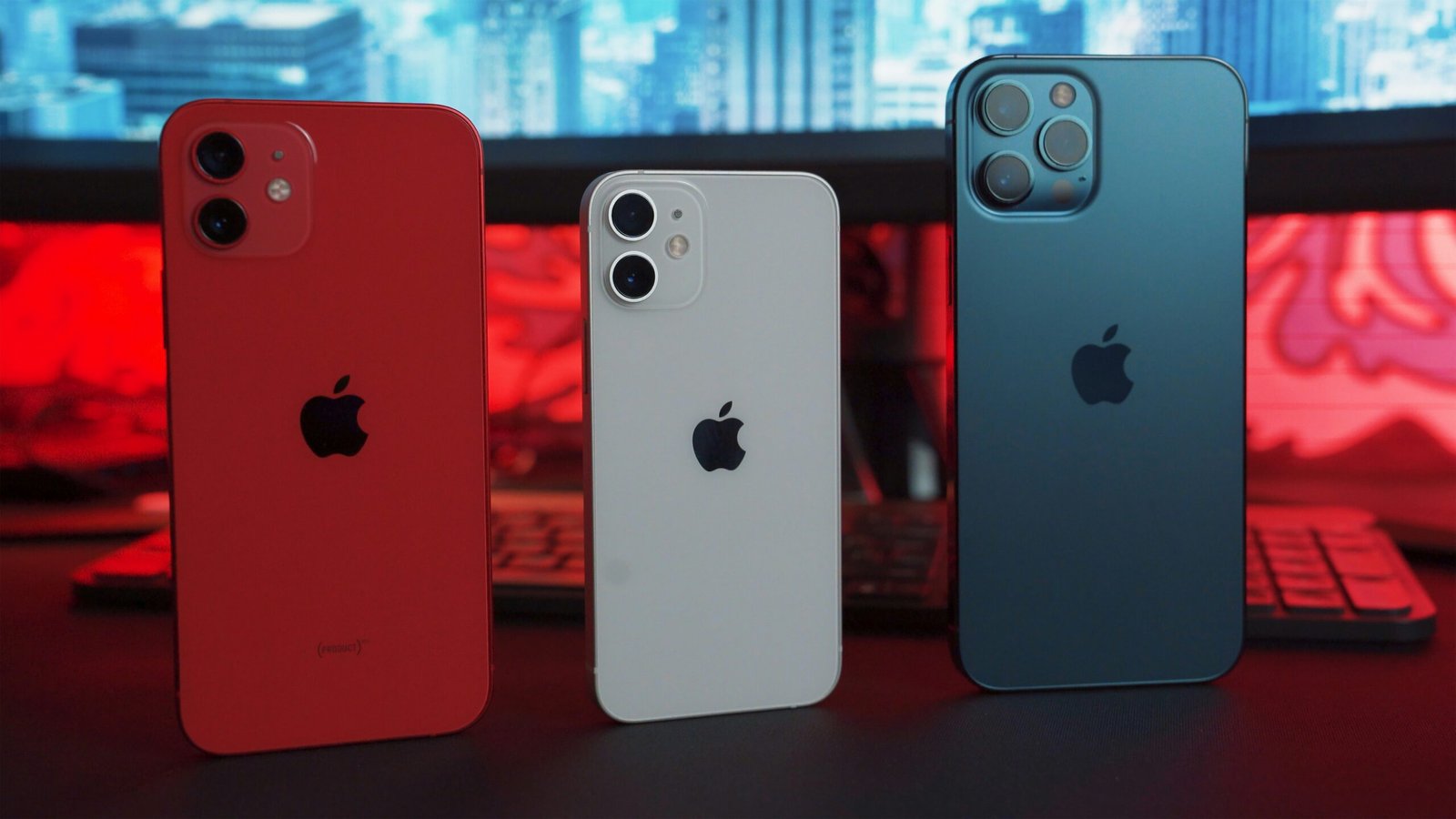


iOS 18.1 Update
Unveils Apple Intelligence – What’s New for iPhone Users?
Is This the iPhone’s Most Intelligent Update Yet?
In this article
For Apple fans,
the wait is finally over! Apple has unveiled iOS 18.1, a landmark update that
introduces their much-anticipated suite of AI features – Apple Intelligence.
This move signifies a significant leap for Apple, placing them firmly in the
competitive AI landscape previously dominated by rivals.
The Power of
Apple Intelligence
iOS 18.1 brings
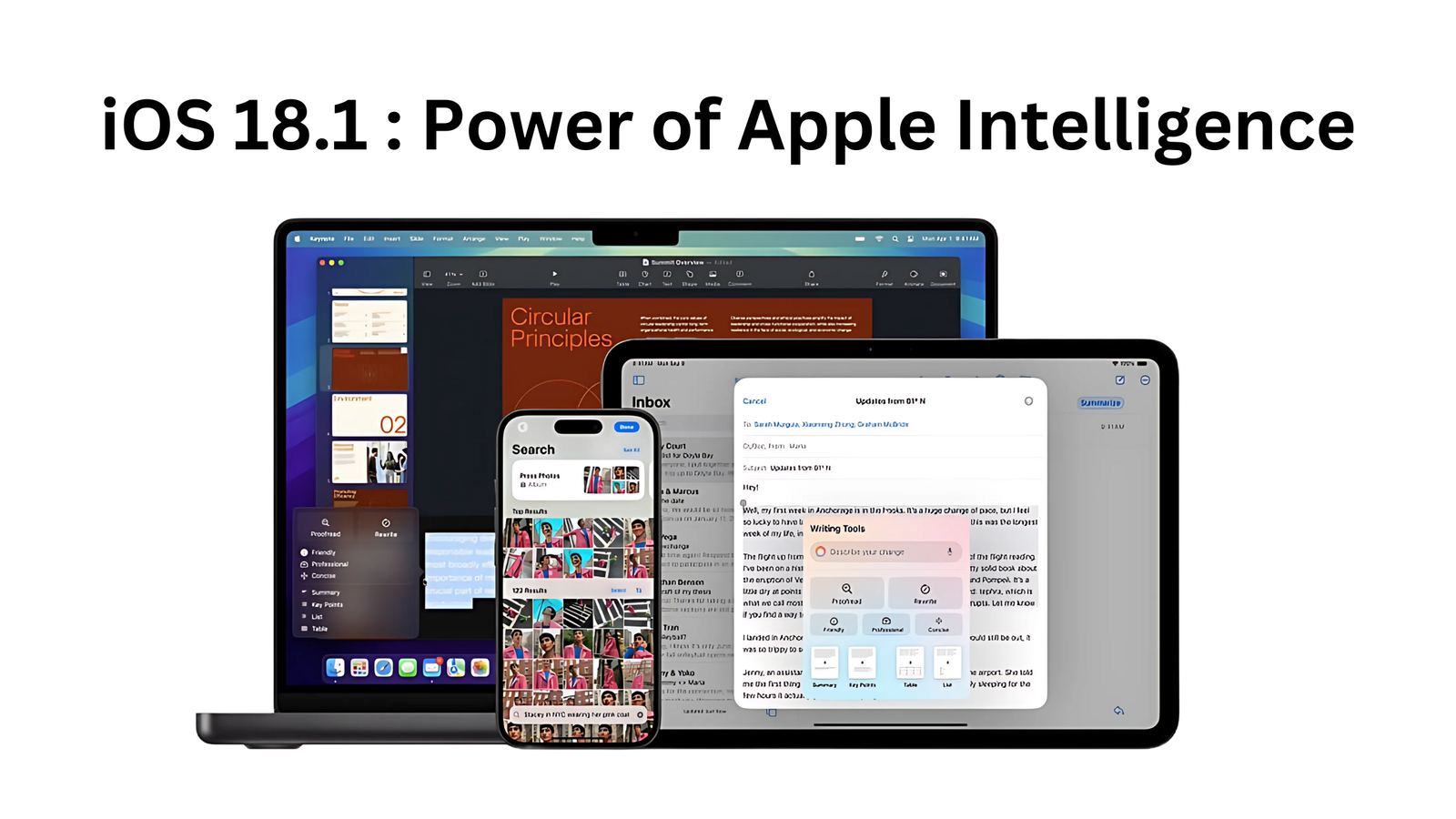
a wealth of innovative features powered by Apple Intelligence. Let’s delve into
some of the highlights that will transform your iPhone experience:
Writing
Tools: Your personal
writing assistant is here! Rewrite, proofread, and summarize text with ease,
directly within most apps you use. Rewrite helps you find the perfect phrasing,
Proofread suggests grammatical improvements, and Summarize condenses lengthy
passages into clear, concise summaries.
Siri Gets
Smarter and More Human-Like:
Siri receives a makeover, both visually and functionally. A new animated light
display enhances interaction, while the ability to type requests gives you more
control. Siri also boasts improved language understanding, allowing it to
follow your thought process and maintain conversational context.
Enhanced
Photos App: Finding
specific photos just got easier. Describe what you’re looking for, and Photos
will locate it instantly. The Clean Up feature magically removes unwanted
distractions, while Memory movies can be created by describing the story you
want to tell.
Smarter
Notifications and Focus:
Never miss what matters! Notification summaries provide a quick overview of
essential updates, while the new Focus mode called “Reduce
Interruptions” uses AI to filter out distractions, ensuring only urgent
notifications get through.
Additional
Features:
- Improved Mail: Priority messages and smart
replies streamline communication. - Notes with Transcription Summaries: Capture key points from audio or
call recordings with intelligent summaries. - Phone: Record live calls and have them
transcribed in the Notes app. - Enhanced Camera Controls: Quickly switch between front and
rear cameras. - Spatial Photo/Video Capture (iPhone
15 Pro & Pro Max):
Capture stunning, 3D-like photos and videos. - AirPods Upgrades: These include a hearing test
feature, personalized hearing assistance, and hearing protection mode
(AirPods Pro 2 required).
iOS 18.1: A
Powerful Update with Bug Fixes and Improvements
In addition to
the exciting new features powered by Apple Intelligence, iOS 18.1 also brings a
host of bug fixes and improvements to enhance your overall iPhone experience.
Bug Fixes:
- Podcasts: Addresses an issue where unplayed
episodes were incorrectly marked as played. - Photos: Resolves a problem where videos
recorded at 4K 60fps in warm conditions experienced stuttering during
playback scrubbing. - Digital Car Keys: Fixes an issue where digital car
keys might fail to unlock or start vehicles after restoring from a backup
or transferring from another iPhone. - iPhone 16 and 16 Pro: Addresses unexpected restarts on
these models.
Improvements:
- Control Center: Provides more granular control
over connectivity settings, allowing you to add and reset individual
controls. - RCS Business Messaging: Enables communication with
businesses using the RCS protocol (carrier support required). - App Store Search: Improves search functionality with
natural language support, making it easier to find apps. - Game Center: Simplifies friend invitations by
allowing them to be sent directly from the Contacts app and Friend
Suggestions.
By addressing
these issues and introducing these enhancements, iOS 18.1 aims to provide a
more reliable and user-friendly experience for all iPhone users.
Installing
iOS 18.1:
Ready to
experience the magic of Apple Intelligence? Here’s how to install iOS 18.1:
- Back up your iPhone: This is always a good practice
before any major update. - Connect to Wi-Fi: Ensure a stable internet
connection for a smooth download. - Go to Settings > General >
Software Update. - Download and Install: If available, download and install
the iOS 18.1 update.
A Note on
Apple Intelligence Availability:
Currently,
Apple Intelligence is only available in US English and may require you to join
a virtual queue for activation.
The Future
is Intelligent
With iOS 18.1,
Apple delivers a powerful update that showcases the potential of AI to enhance
our daily interactions with technology. This is just the beginning, and we can
expect even more innovative features as Apple Intelligence continues to evolve.